
New: Create Invoices and Send Payment Links – Directly from Jimdo



You know the drill: the work is done, the client is happy – and then you’re sitting at your laptop in the evening cobbling together an invoice in Word. Are the mandatory details correct? Is the tax number missing? And wasn’t there something about the e-invoicing obligation?
Or a client asks after a photoshoot, a workshop, a project: “Can I pay right away?” – and you send your IBAN via WhatsApp and hope for the best.
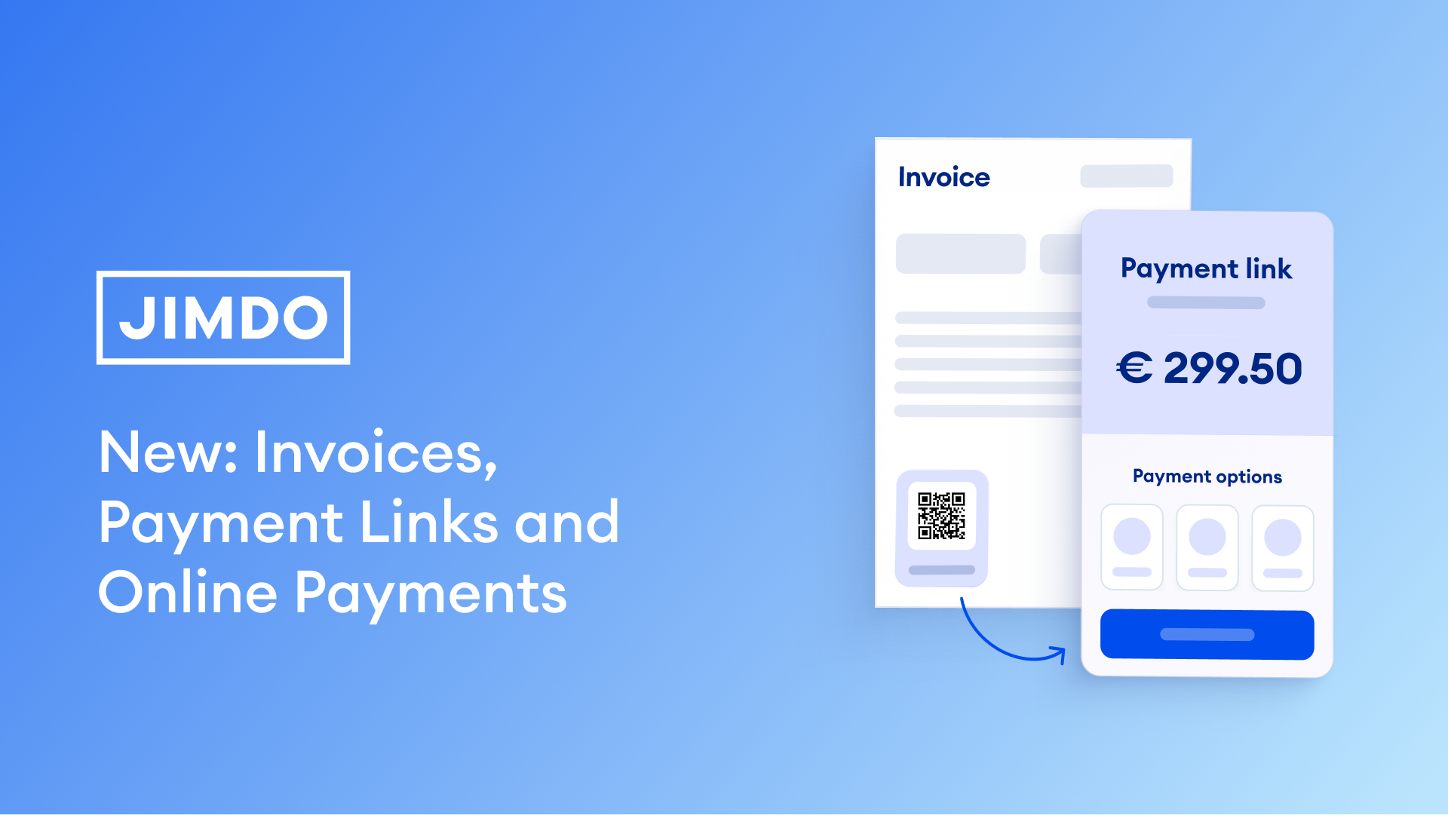
Starting now, Jimdo has you covered: with an integrated online invoicing tool and payment links – no extra software, no extra Jimdo costs.
Create an Invoice in Under Two Minutes – GoBD-Compliant and with Payment Link

Select client, enter line items, add tax rate, send. Your client receives the invoice by email, including an integrated payment link – one click, and they pay directly via credit cards, Apple Pay, Google Pay, Klarna, and other local payment methods.
Your invoices look professional: with your logo, sequential invoice numbers, and all legally required information. They’re GoBD-compliant and meet e-invoicing requirements – you’re prepared when the e-invoicing obligation takes effect on January 1, 2027. Naturally, the invoices also support the required XRechnung and ZUGFeRD formats.
Every invoice can be saved as a PDF, and when you use the payment link, you can see the status in real time: sent, viewed, paid.
A note for users in Austria: The invoicing feature is BAO and UGB-compliant.
A note for users in Switzerland: We’re currently working on Swiss requirements under the MWSTG and GeBuV. It’ll be ready for you in a few weeks!
Create a Payment Link and Get Paid Instantly

Sometimes it needs to happen fast – for example when selling via social media. Enter the amount, create a payment link, share it via DM, WhatsApp, or email. Your client clicks, pays – and you immediately see that the money has arrived.
Important: Payment links are not suitable for all business transactions. When a payment link is enough and when an invoice is required in Germany?
Example: Creating Invoices as a Freelancer or Service Provider
You’re a graphic designer, copywriter, photographer, consultant? Then you know the cycle: finish project, write invoice, wait. With Jimdo, you create the invoice right after project completion – GoBD-compliant, with all the mandatory information your tax advisor expects. Your client receives it with a payment link and can pay immediately. No IBAN scavenger hunt, no “I couldn’t find your bank details” excuses. And for quick payments in between – after a photoshoot or before a workshop – just send a payment link via WhatsApp.
Payment link or invoice – when is which sufficient? In most business situations, an invoice is required. What exactly applies in Germany and Austria – find out when an invoice is required.
What’s Included in My Jimdo Plan?
Creating invoices and sending payment links is included in every paid Jimdo plan – at no extra charge*. During the launch phase – until August 30, 2027 – both are unlimited*. After that, limits depend on your plan:
| Start | Grow | eCommerce Basic / Unlimited / eCom Business & VIP | |
| Invoices/month | Until 08/30/2026 unlimited, then: 5 | Until 08/30/2026 unlimited, then: 25 | Unlimited |
| Payment links | Unlimited* | Unlimited* | Unlimited* |
Payment links remain unlimited in all plans.
*Online payments require a Stripe account. Standard Stripe transaction fees apply.
What’s Coming Next
This is version 1. In the coming weeks, invoices will be integrated directly into our online store and online booking system – when a customer books or orders, the invoice is created automatically. No more manual steps.
Also in the works: recurring invoices, expanded payment methods, and even deeper integration of all features.
If you’re using Jimdo Creator: invoices and payment links will be integrated there too in the coming weeks – including online store integration.
The goal: The path from “work done” to “paid” shouldn’t feel like an extra task. It should just happen.
Frequently Asked Questions
Do I still need separate invoicing software? No. Invoices and payment links are integrated directly into Jimdo – you don’t need an additional invoicing program. And you save time and headaches because Jimdo archives all invoices in legal compliance.
What payment methods can my clients use? Your clients can pay via credit cards, Apple Pay, Google Pay, Klarna, IBAN, and other local payment methods – depending on which payment providers you’ve connected.
Are the invoices really GoBD-compliant? Yes. You can use your Jimdo invoices with all legally required information; the feature is GoBD-compliant and meets e-invoicing requirements (e-invoicing obligation from 2027 in Germany).
Can I save my invoices as PDFs? Yes, every invoice can be exported as a PDF with one click – for example for your bookkeeping or your tax advisor.
What happens after the launch phase with the limits? During the launch phase, you can use invoices and payment links without limits. After that, the limits of your plan apply (see table above). Payment links remain unlimited in all plans.
Can I use Jimdo Invoices as a small business owner? Yes, we’ve specifically developed a flexible solution with free-text fields for small business owners like you – including for VAT rates. You can customize everything to your individual requirements.
Is Jimdo Invoices an accounting program? We offer the features that most freelancers actually need. To transfer your receipts to your tax advisor or accounting office, simply use the integrated download function and send everything by email.
Build your online presence with Jimdo
Create a website, sell online, and grow your business — all in one place.

🚀 Ready to take your business online?
No credit card needed. Online in minutes.