
WhatsApp is rolling out usernames: what self-employed people should do now
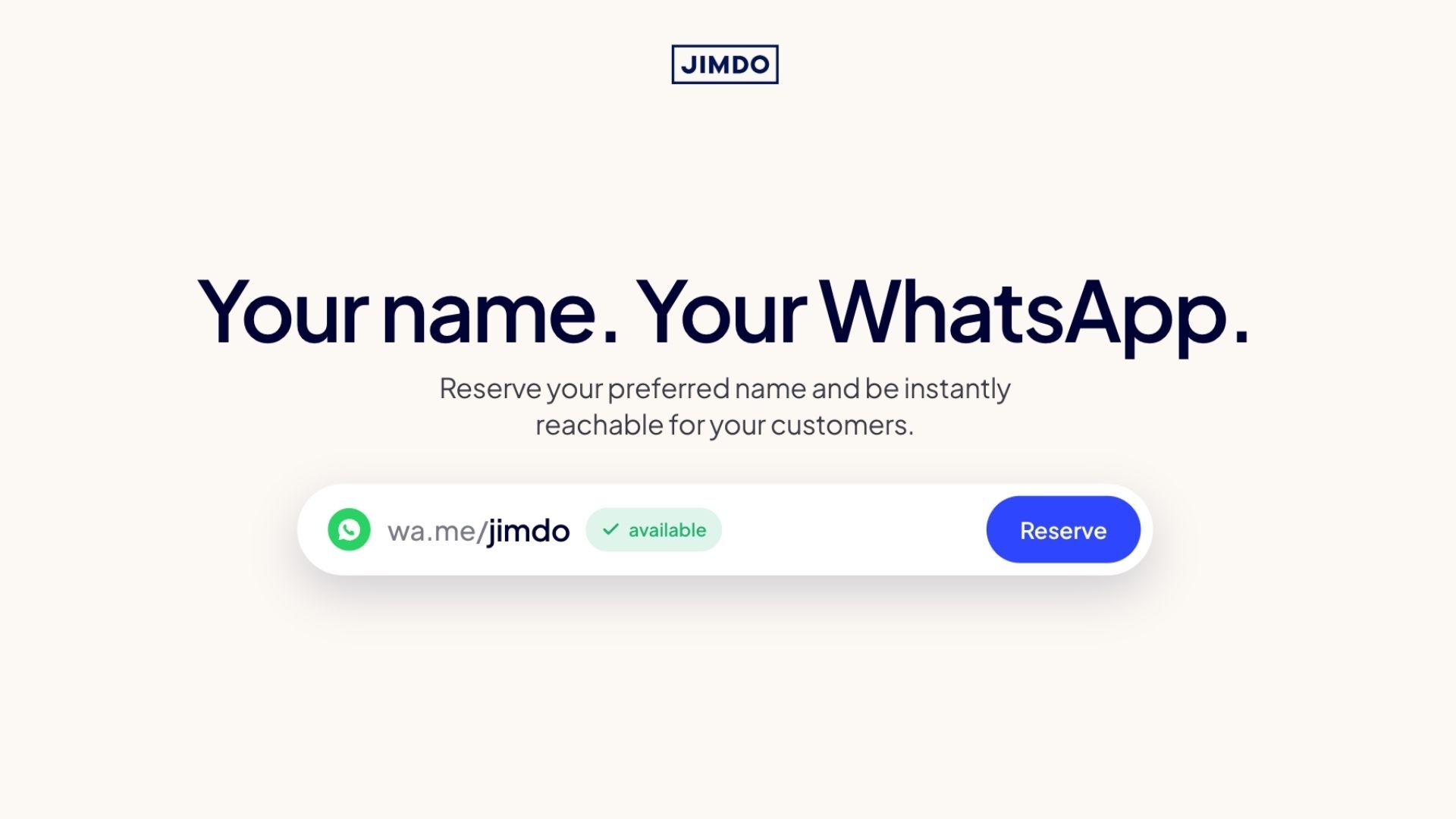


Your WhatsApp username can now be reserved. For self-employed people, this is a chance to lock in your future brand handle. Here’s why to reserve now and how to do it in 30 seconds.
Since late June 2026, you can reserve your WhatsApp username. The full rollout follows later in the year. Only then will messages and contacts actually run through the username. But for self-employed people, this matters right now: whoever reserves the name first secures the handle they’ll be able to use for their business later.
Important to know: Reservation is available now. Actual usage (so that customers can reach you through your name instead of your number) starts later in the year, once WhatsApp rolls the feature out gradually. Whoever reserves now locks in their preferred name before someone else does.
In this article: why reserving now makes sense, how to do it in 30 seconds, which naming rules apply, and what happens to your existing Instagram or Facebook name.
What’s changing on WhatsApp?
Until now, customers, leads, or new contacts needed your phone number to reach you on WhatsApp. With the new feature, this will also be possible through a self-chosen username, similar to Instagram or Threads. Right now, the feature is in its reservation phase. The actual rollout, when the username becomes usable, is scheduled for later in 2026.
With more than three billion WhatsApp users, the current reservation phase is a race for the good names.
Why this matters if you’re self-employed
If you run your own business, your name or your business name is part of your brand. What’s been missing: a way to be reachable on WhatsApp without handing out your private phone number.
That’s exactly what WhatsApp is building with usernames. Once the feature goes live:
- Customers will be able to reach you by your name
- Your phone number will stay hidden on first contact (provided you activate your username)
- Your handle will become part of your brand communication
Until then, reserving is your prep step: lock in the names now, so they’re yours when the feature launches.
How to reserve your WhatsApp username in 30 seconds
- Update WhatsApp to the latest version
- Settings > Account > Username
- Enter your name of choice and reserve.
That’s it.
Your name or your business name?
Both options are available. If you’re a coach, reserve your first name. It’s short, personal, recognizable. If you run a café or an agency, use your business name. That way you protect your brand and stay consistent. Ask yourself first: what do customers already associate with you?
Keep in mind: good, short, brand-adjacent names go fast when there are three billion users in the pool.
Meta account link: claiming your existing handle
If you already have a business name on Instagram or Facebook and your WhatsApp account is linked to your Meta account, you can actively claim your existing name for WhatsApp. Important: this doesn’t happen automatically. You still need to go through the reservation and claim the name yourself.
The upside if it works: one handle for Instagram, Facebook, and WhatsApp. Exactly the consistency that makes a brand feel trustworthy.
Privacy: no directory, no spam
WhatsApp deliberately didn’t build a public directory. That’s an important difference from Instagram and other networks:
- There won’t be any search function or name suggestions
- Others need to know your exact username to contact you
- You can activate an optional “Username Key”. Only people who know both name and key can send you a message
For self-employed people, that means later: you can share your handle freely on your website, business cards, or social media without random strangers finding you through a search.
Add WhatsApp to your Jimdo website
You can already integrate WhatsApp into your website today, independent of the new username feature.
With Jimdo, you place a WhatsApp button on your site so customers message you with one click, instead of filling out a contact form:
- WhatsApp button on every page
- Messages open straight in chat
- Combines with booking, smart forms, and your customer database
Once the username feature is officially live, integration will follow in Jimdo’s WhatsApp button. Until then, the button runs through your stored phone number.
Guide for Creator here https://help.jimdo.com/hc/en-us/articles/45279975043732-Add-social-media-profiles-to-your-Jimdo-Creator-website
Guide for Dolphin here https://help.jimdo-dolphin.com/hc/en-us/articles/5569683669268-How-can-I-offer-WhatsApp-chat-to-my-customers
What you should know about the naming rules
These rules are worth knowing before you get frustrated:
- Only letters A to Z, numbers, and the special characters period (.) and underscore (_)
- The name must contain at least one letter
- No “www.” at the beginning and no domain suffix (e.g. “.com”, “.de”) at the end
- No accented characters (ä, ö, ü, é). You’ll need to spell them out
- Editable at any time
The short version
Reserving takes 30 seconds. Actual use follows later in the year. The window for good, brand-adjacent names is open right now. If you’re self-employed, this is one of the easiest things you can do this week to protect the brand you’ll use later.
Reserve your name now, before someone else does.
Frequently asked questions
Is the WhatsApp username free?
Yes. Both the reservation and later use of the username are free. All you need is the latest version of WhatsApp.
Can I change my WhatsApp username later?
Yes. Your username can be changed or deleted at any time. Heads-up: if you release your name, someone else can reserve it immediately.
Can I use my username right away?
Not yet. Right now, you can only reserve your name. Actually using it (customers reaching you through your handle instead of your number) will roll out gradually later this year. Until then, reserving locks in your chosen name.
Do I need two WhatsApp accounts, one private and one for work?
Yes, if you want a clean split between private and business. A WhatsApp account is tied to a phone number, and each number gets one username. Simplest fix: a second number (e.g. via eSIM) plus the free WhatsApp Business app. Two accounts, two numbers, two handles, cleanly separated. If one account works for you, it does. One number, one handle covers everything.
Do I need to link my WhatsApp to my Meta account?
No, that’s optional. But linking is worthwhile if you already have an Instagram or Facebook business name you want to claim for WhatsApp. The transfer doesn’t happen automatically. You still need to reserve the name actively.
Can I have two WhatsApp usernames on one phone number, like on Instagram?
No. Unlike Instagram, each WhatsApp account gets just one username, and each phone number can only hold one account. If you want a business handle alongside your private one, you’ll need a second phone number (e.g. via eSIM) with a second WhatsApp account and its own username.
What is a Username Key?
An optional additional key that others need to know alongside your username to contact you. Ideal if you share your name publicly but still want to control who can message you.
Can I use special characters in my WhatsApp username?
Only periods (.) and underscores (_). Accented characters like ä, ö, ü, or é aren’t allowed. You’ll need to spell them out (for example “ae” instead of “ä”).
Can I embed WhatsApp directly into my website?
Yes. With Jimdo, you can add a WhatsApp button to every page of your site. Customers message you with one click, without having to fill out a contact form.
Build a strong business with Jimdo.
Create a website and get found, get booked, get paid – all in one place.

🚀 Ready to take your business online?
No credit card needed. Online in minutes.