
The Withdrawal Button: Your Most Frequently Asked Questions
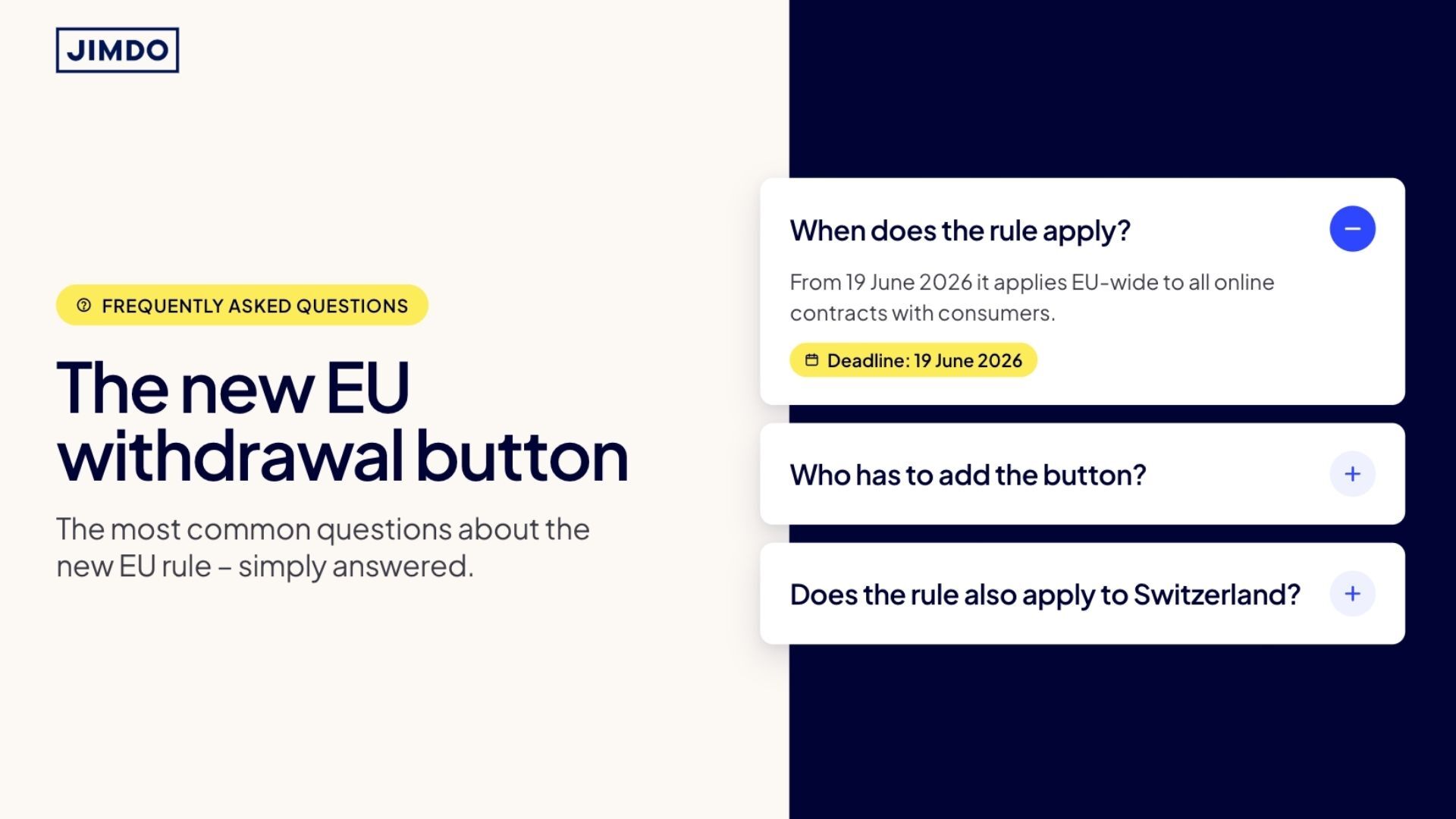


Since 19 June 2026, the withdrawal button has been mandatory across the EU. And ever since, the same questions keep landing in our inboxes and communities: Does this apply in Switzerland? Where does the button need to go? What about my Etsy shop? And do digital products even count?
We’ve collected the most common questions and answer them here, clearly and without the legal jargon.
The key facts at a glance
- The withdrawal button has been mandatory across the EU since 19 June 2026
- It affects anyone who concludes online contracts with consumers (B2C) where a right of withdrawal exists
- That covers not only classic online shops, but also services, bookings, subscriptions and digital products
- The legal basis is EU Directive 2023/2673, implemented in Germany via § 356a of the Civil Code (BGB)
- The law calls it a “withdrawal function”. Whether you set it up as a button or a clearly visible link is secondary, as long as it’s easy to find and clearly labelled
- If the function is missing or faulty, you risk warning letters, fines and an extended withdrawal period
What is the withdrawal button?
The withdrawal button is a digital function that lets consumers cancel a contract they concluded online just as easily as they entered into it. So with a few clicks, no email, no PDF, no letter by post. The existing options stay in place on top of it.
The process is two-step: first a click on the button, then a confirmation. After that, an acknowledgement is sent automatically by email. Only the necessary data may be requested, and a mandatory field for the reason is not allowed.
Does the withdrawal button apply in Switzerland?
Short answer: no, not automatically. The EU directive doesn’t apply directly in Switzerland. But as soon as you deliberately serve customers in the EU, you’re just as affected, no matter where your business is based.
So what matters is your customer base, not your location. If you ship to the EU, show prices in euros or clearly target EU customers, you should plan for the button.
Where does the withdrawal button need to go on my website?
The law doesn’t specifically require the footer. What it requires is that the withdrawal function is “permanently available” and “easily accessible”. The footer is the right place for exactly that reason, because the button is then reachable from every subpage with a single click.
You don’t need a giant banner. A clearly recognisable, clearly labelled link or button in the footer is enough. Hidden or hard-to-reach solutions, on the other hand, are a classic reason for warning letters.
Do I need a withdrawal button for Etsy or Amazon?
It depends on where the contract is actually concluded. If the purchase happens directly on Etsy, eBay or Amazon, the platform is usually responsible for the withdrawal function, not you. So if your website only links to your Etsy shop, Etsy takes care of it.
It’s different if you also sell directly on your own site, for example through your own shop, a booking tool or an order form. Then you conclude contracts there yourself and need the function on your own site. If you use both, you’re responsible for the sales that run through your own site.
Does the withdrawal button apply to digital products and downloads?
Yes, in principle it does, including e-books, online courses, templates or subscriptions, as long as a right of withdrawal exists.
It gets tricky with content that’s delivered immediately. Here the right of withdrawal can lapse, if the customer expressly agrees that delivery starts right away and thereby waives their right of withdrawal. Many people then think: “So I don’t need the button.” In practice, you usually add it anyway, because the purchase is revocable up until delivery starts, and on your own site you often can’t check whether something has already been downloaded.
The deciding factor is your withdrawal policy (Widerrufsbelehrung). If it clearly states that the right lapses on delivery, you simply reject a later click with reference to it. Important: the button doesn’t reverse anything automatically. You handle incoming requests manually. Since it all hinges on your legal texts, have your withdrawal policy and order process checked by a professional before you go live, for example a lawyer or a trade body like the Händlerbund.
Do freelancers and service providers need a withdrawal button?
Most likely yes. This is where a lot of people get caught out. The obligation doesn’t just apply to shops that ship goods, but to anyone who concludes online contracts with consumers: coaching, consulting, photo shoots, courses, memberships or appointments booked through a tool.
You’re usually only off the hook if you sell exclusively to business customers (B2B) or conclude contracts only offline.
Is a link enough or does it have to be a button?
A clearly recognisable link is enough. The law deliberately talks about a “withdrawal function”, not necessarily a button. In practice it’s usually set up as a button, but a clearly highlighted link is just as valid.
What really matters is three things: it must be easy to find, clearly labelled (for example “Cancel contract”) and follow the correct two-step process with a confirmation email.
What happens without a withdrawal button?
Things get uncomfortable fast. You risk warning letters and fines, and your customers’ withdrawal period can be extended significantly, up to twelve months and 14 days in the worst case.
Typical pitfalls: a hidden button, unclear labelling, a faulty process or outdated legal texts. Better to check your setup once, properly, than to wait for the first warning letter.
What’s the difference between withdrawal and cancellation?
Short version: a withdrawal reverses a freshly concluded contract entirely. A cancellation ends an ongoing contract going forward.
With a withdrawal, the customer pulls out of a contract within the withdrawal period, and both sides return what they’ve already received. A cancellation applies to an ongoing relationship like a subscription and only takes effect at the next possible date. If you offer both, keep withdrawal and cancellation clearly separate and label them unambiguously.
How can I remove the withdrawal button?
Many website builders, Jimdo included, added the button automatically on the deadline so that nobody would miss the obligation. You may only hide it if you’re not affected, for example if you sell purely B2B, conclude contracts only offline, or operate from outside the EU with no EU customers.
When in doubt, check twice. It’s more relaxing to leave the button in place than to risk a warning letter later.
What do I actually do when someone requests a withdrawal?
The button doesn’t reverse anything by itself. When a customer submits a withdrawal, you get an email from noreply@jimdo.com. Add that address to your contacts and mark it as “not spam”, otherwise the notification can land in your spam folder and you’ll miss it. You can’t reply to it, so contact the customer yourself using the details in the email. Then handle the request manually: confirm receipt, refund a valid withdrawal, or reject it with reference to your policy if the right has already lapsed (for example a digital file the customer downloaded after waiving their right).
Do I need to update my withdrawal policy (Widerrufsbelehrung)?
The button doesn’t replace your withdrawal policy, it sits alongside it. So keep your policy up to date and make sure it mentions the new online withdrawal function. If your policy is worded cleanly, especially around when the right lapses for digital content, it’s what you’ll lean on later when handling or rejecting requests.
Can I add a CAPTCHA to the withdrawal button?
Yes, in principle, as long as it doesn’t add a real hurdle. The core idea of the law is that withdrawing has to be just as easy as buying. A simple, accessible spam check can be defensible, but it must never get in the customer’s way: no login, no account, no extra verification steps that the purchase itself never required. If your CAPTCHA frustrates people or pushes them to sign in first, it counts as a hurdle, and that isn’t allowed. When in doubt, keep the path to withdrawal as short and frictionless as the path to checkout.
How does the withdrawal button work with Jimdo?
If your website runs on Jimdo, you don’t have to deal with the technical side. The withdrawal button is available in your Jimdo website’s footer right now, legally compliant and at no extra cost.
What the withdrawal button looks like in Creator can be seen here.
More information for Dolphin users here.
More information for Creator users here.
Note: This article provides a general overview and is not legal advice. Whether and how the withdrawal button requirement applies to you depends on your location, your customer base and how your contracts are set up. If you’re unsure, it’s best to consult a qualified professional.
Build a strong business with Jimdo.
Create a website and get found, get booked, get paid – all in one place.

🚀 Ready to take your business online?
No credit card needed. Online in minutes.